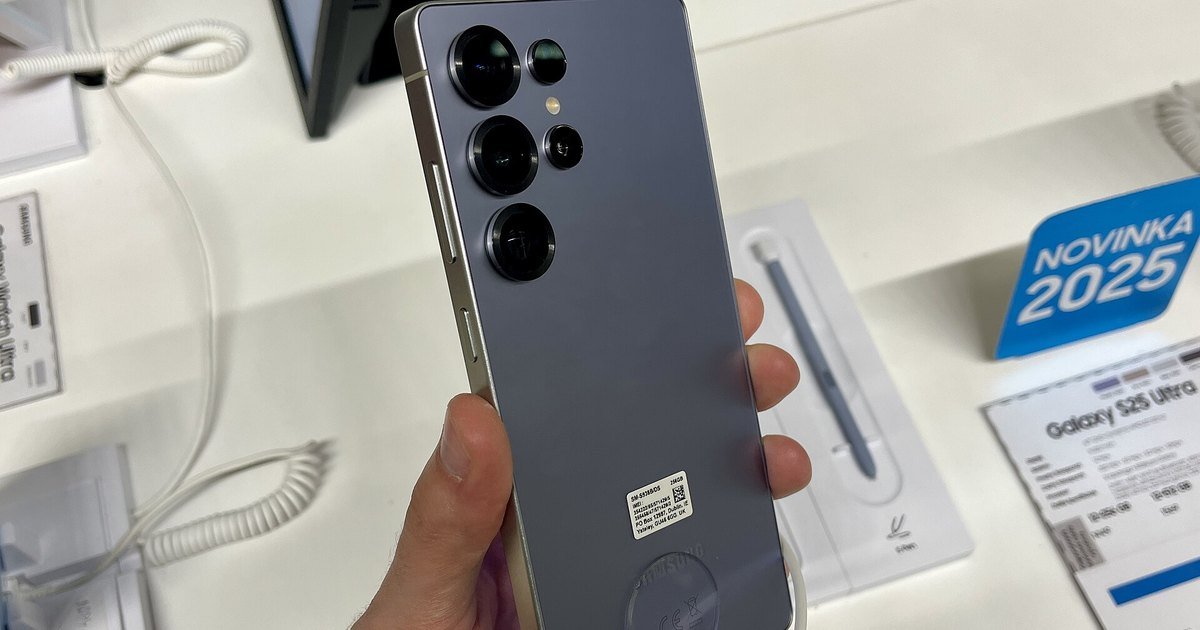
Samsung opened the One UI 9.5 beta on 18 November, and for once India did not have to wait in line. The programme went live the same day in India, the US, the UK, South Korea, Germany and Poland, but only for the Galaxy S26, S26+ and S26 Ultra. If you own one of those phones and are tempted by the new App Lock and camera controls, this guide walks through joining, installing, and the part most people skip: getting back to stable One UI 9 if the beta misbehaves.
Everything below comes from Samsung’s own newsroom post and from hands-on reports by Android Authority, Beebom, 9to5Google and SamMobile, all linked in the text.
Who can join the One UI 9.5 beta right now
Samsung Newsroom India says the beta is “open today to Galaxy S26 series users in select markets, including Germany, India, Korea, Poland, the UK, and the U.S.”, and that you apply through the Samsung Members app. 9to5Google notes that the Galaxy Z Fold 8 and Fold 8 Ultra are not on the list, and that this is a fresh programme: people who tested the One UI 9 beta are not carried over.
SamMobile points out that this appears to be the first time Samsung opened a beta in all eligible countries at once. In earlier cycles, India and Poland usually joined later.
| Question | Answer (as of 23 Nov 2026) |
|---|---|
| Eligible phones | Galaxy S26, Galaxy S26+, Galaxy S26 Ultra |
| Not eligible yet | Galaxy Z Fold 8 / Fold 8 Ultra, older S-series, A-series |
| Countries | India, US, UK, South Korea, Germany, Poland |
| Where to sign up | Samsung Members app → Beta Program |
| First download size (user reports) | About 3.6 GB, then a second update of about 540 MB |
| Data wiped when installing? | No |
| Data wiped when rolling back? | Yes, rollback needs a factory reset |
| Expected stable release | With the Galaxy S27, expected January or February 2027 (Beebom estimate, not confirmed by Samsung) |
Before you tap Join: a 2-minute checklist
- Is this your only phone? Beebom’s reviewer advises against installing the first beta on your main device unless you can live with bugs. Banking, UPI and work apps are the ones you will miss most if something breaks.
- Back up first. Installing does not erase data, but going back to stable does. Android Authority recommends Smart Switch for PC or Mac.
- Battery at 30% or more. Android Authority’s minimum; more is better.
- Use Wi-Fi. See the data maths below.
- Free up storage. You need room for roughly 4 GB of downloads on top of normal usage.
How much mobile data the beta will eat
Beebom reports a first package of about 3.6 GB and a follow-up of about 540 MB. That is roughly 4.1 GB in total (3.6 + 0.54). On a common 2 GB-per-day prepaid pack, the download alone would use up two full days of data allowance, before any streaming or UPI. On a 1.5 GB-per-day plan, it is nearly three days. Home or office Wi-Fi is the obvious choice.
How to join the One UI 9.5 beta in India: step by step
- Update or reinstall Samsung Members. If you removed it, Android Authority says you can get it again from the Galaxy Store or the Play Store.
- Sign in with your Samsung account inside the app.
- Find the Beta Program card. Scroll down on the home screen of Samsung Members. Beebom describes it as a One UI 9.5 Beta banner.
- Tap “One UI 9.5 Beta” (Android Authority’s screen showed it as “One UI 9.5 S26 Beta”).
- Tap Join, accept the terms and follow the prompts.
- Check for the update. Use the update option in the same menu, or go to Settings → Software update → Download and install.
- Install and restart. After the restart, look again in Software update for the smaller second package Beebom mentions.
Don’t see the Join button? Beta slots are limited and Samsung opens them in waves. Android Authority suggests checking back in a few hours rather than assuming your phone is ineligible.
What you actually get in One UI 9.5
Samsung’s newsroom lists the headline changes: enhanced Pro and Pro Video camera modes with customisable controls and presets, Mindful Note (journaling) and Medications (reminders and tracking) in Samsung Health, floating accessibility shortcuts, better hearing-aid controls in the notification panel, and a built-in App Lock.
Beebom’s hands-on adds detail that matters for Indian users:
- App Lock locks individual apps with fingerprint, face or screen lock, and hides their notification content and widgets too. That is useful for payment and chat apps on a shared family phone.
- Digital Wellbeing can add an app-opening delay of up to 10 seconds, meant to cut mindless scrolling.
- My Files previews DOCX and PPTX files without Microsoft Office.
- Samsung DeX gets snap layouts for two, three or four apps.
- Removed: Audio Broadcast and Enhanced Audio Services.
- Pro Lite and Pro Video Lite modes do not get the camera upgrades.
How to leave the beta and roll back to One UI 9
This is where people get caught out. Android Authority’s steps:
- Open Samsung Members → Beta Program → One UI 9.5 S26 Beta.
- Tap the three-dot menu and choose Leave One UI 9.5 S26 Beta.
- Tap Next, pick a reason and Submit.
- Connect the phone to a PC or Mac running Smart Switch with a USB cable.
- Click Downgrade, then Continue. Smart Switch downloads the stable build and flashes it. Do not unplug the phone midway.
The rollback factory-resets the phone. If you did not back up before joining, you lose whatever was stored only on the device. After the reset, banking and UPI apps will need re-registration with your SIM and bank OTP.
Should you install it?
Our view: if you have a spare S26, or you are comfortable re-setting up a phone over a weekend, the beta is a low-cost way to try App Lock and the new camera controls weeks before everyone else. If the S26 is your only phone and you rely on it for UPI, work email and OTPs, wait. Beebom expects two or three more beta builds before the stable release, and each one should be cleaner than the first.
FAQ
Is the One UI 9.5 beta available for Galaxy S25 or the Fold 8 in India?
Not yet. Samsung’s announcement covers only the Galaxy S26 series. 9to5Google expects the programme to expand before the Galaxy S27 launch, but Samsung has not announced it.
Will joining the beta delete my photos or chats?
No. Installing the beta keeps your data. Rolling back to stable One UI 9 needs a factory reset, so back up before you join.
Does the beta cost anything?
The programme is free through Samsung Members. The only real cost is about 4.1 GB of data and the risk of bugs.
When will the stable One UI 9.5 update reach India?
Samsung has not given a date. Beebom expects it to debut with the Galaxy S27 in January or February 2027, with S26 phones following in the weeks after.
I can’t see the beta banner. What should I do?
Check that you are signed in and that Samsung Members is up to date. Slots open in waves, so try again after a few hours.
More how-to guides from 2px: GTA 6 launch-day guide: consoles, download and how to play · Health insurance claim rejected? How to fight it in 6 steps · Which documents prove your date of birth if Aadhaar doesn’t
Sources: Samsung Newsroom India (19 Nov 2026); Android Authority; Beebom Gadgets; 9to5Google; SamMobile.
Featured image: Samsung Galaxy S25 Ultra (representative Galaxy phone) by Jakub CA, Wikimedia Commons, licensed CC BY 4.0; cropped.